여러 excel 시트에 걸쳐 pandas dataframe을 작성하는 방법
동일한 통합 문서 내의 여러 Excel 시트에 쓰려는 여러 pandas DataFrame이 있는 경우가 종종 있습니다.
다행히도 pandas ExcelWriter() 함수를 사용하여 이 작업을 수행할 수 있습니다. 이 기능을 사용하려면 먼저 xlsxwriter가 설치되어 있는지 확인해야 합니다.
pip install xlsxwriter
또한 xlwt가 설치되어 있는지 확인해야 합니다.
pip install xlwt
일단 설치되면 여러 Excel 시트에 걸쳐 여러 Pandas DataFrame을 쉽게 작성할 수 있습니다.
 import pandas as pd

#create three DataFrames
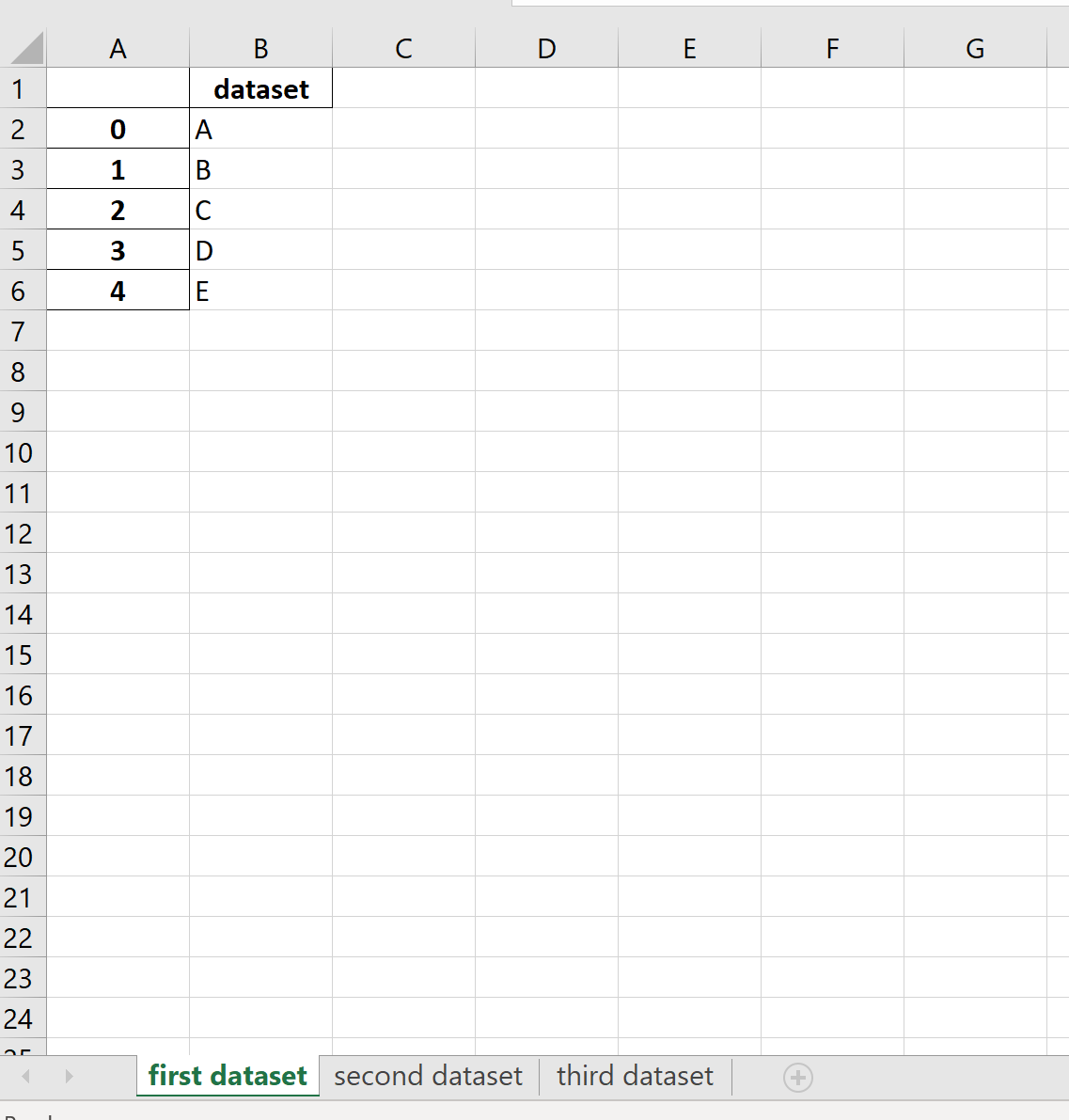
df1 = pd.DataFrame({'dataset': ['A', 'B', 'C', 'D', 'E']})
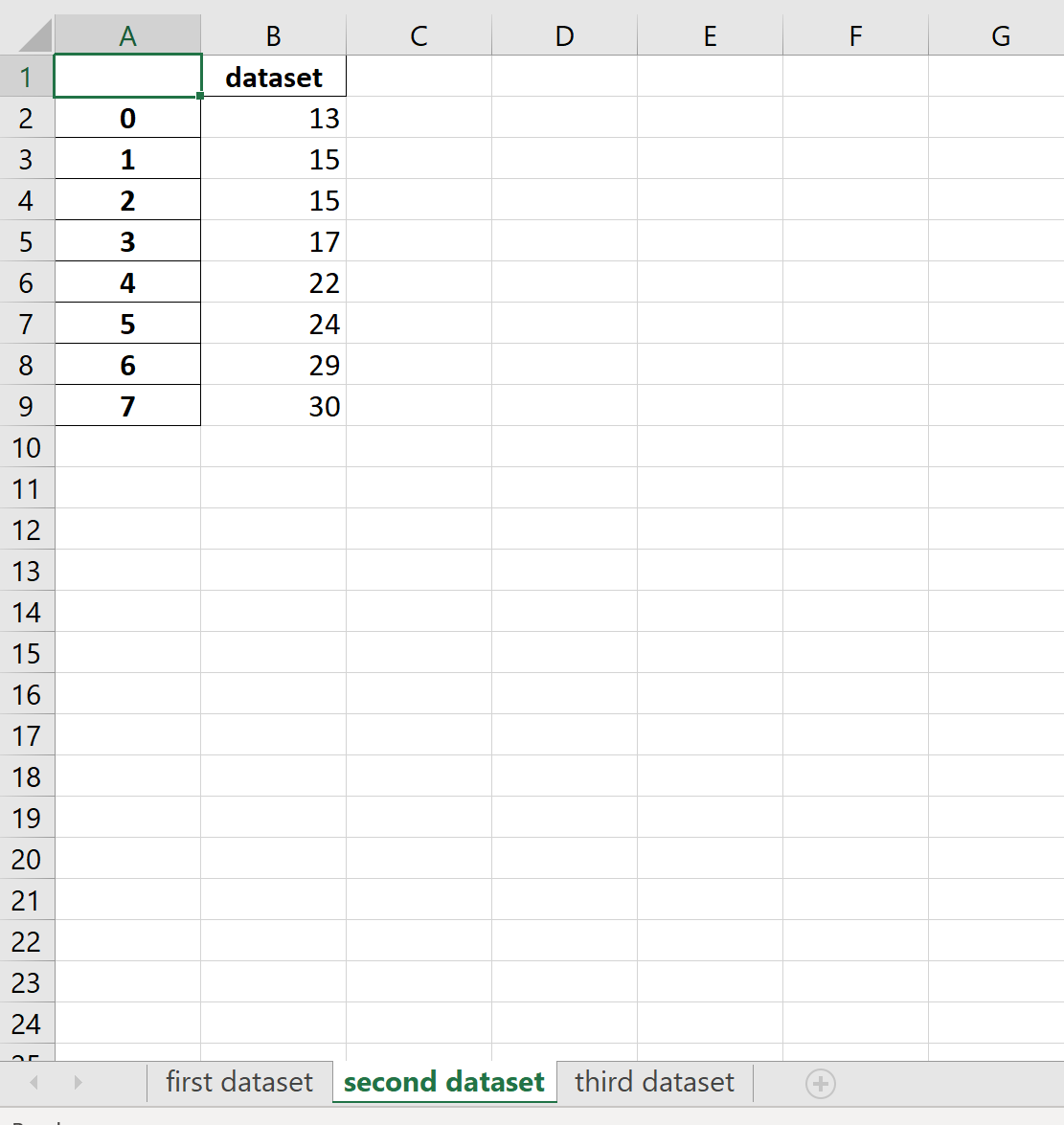
df2 = pd.DataFrame({'dataset': [13, 15, 15, 17, 22, 24, 29, 30]})
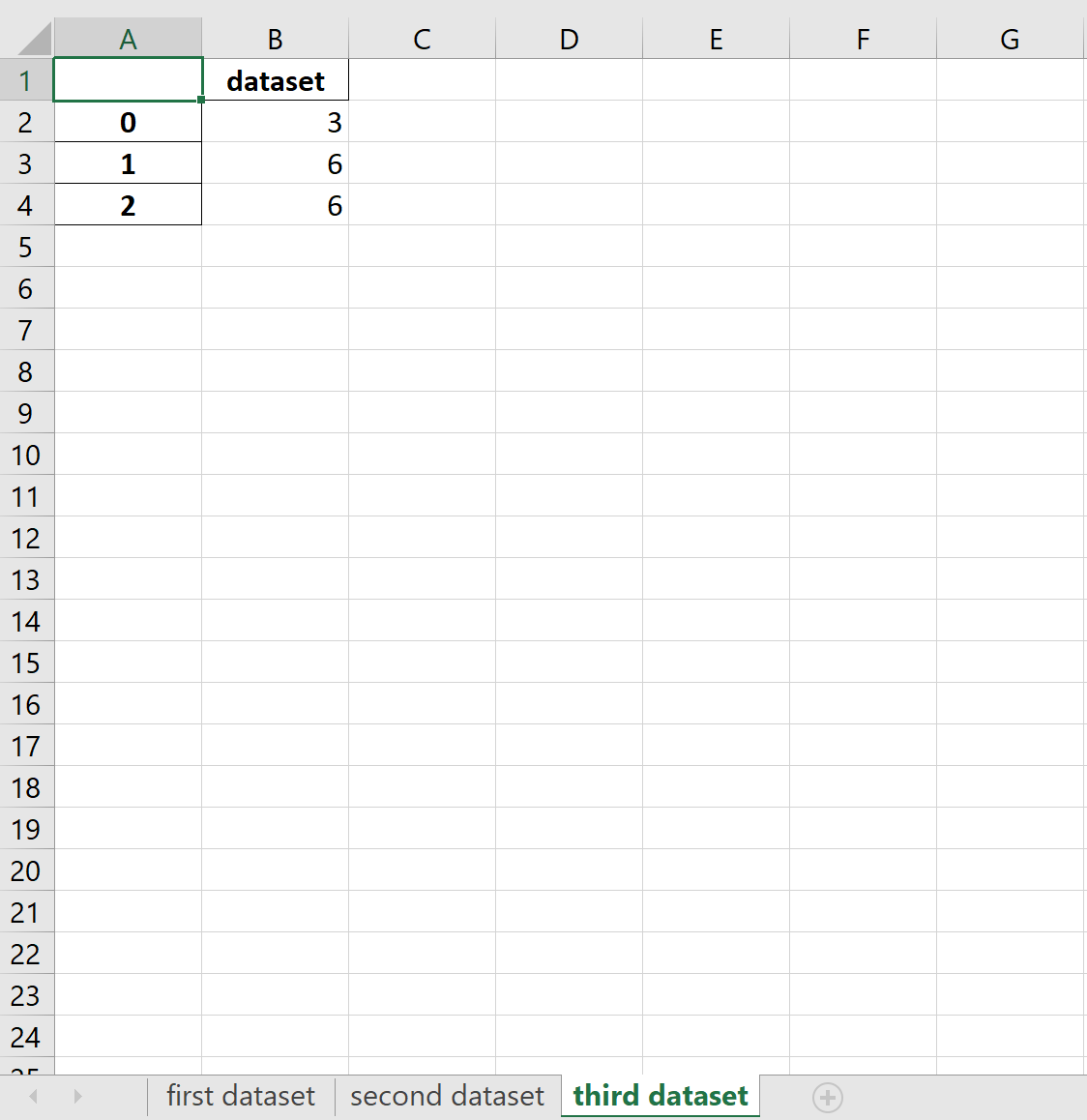
df3 = pd.DataFrame({'dataset': [3, 6, 6]})

#create a Pandas Excel writer using XlsxWriter as the engine
writer = pd. ExcelWriter (' dataframes.xlsx ', engine=' xlsxwriter ')

#write each DataFrame to a specific sheet
df1. to_excel (writer, sheet_name=' first dataset ')
df2. to_excel (writer, sheet_name=' second dataset ')
df3. to_excel (writer, sheet_name=' third dataset ')

#close the Pandas Excel writer and output the Excel file
writer.save()
결과 Excel 통합 문서에는 각 Pandas DataFrame이 별도의 시트에 저장됩니다.
첫 번째 DataFrame:
두 번째 DataFrame:
세 번째 DataFrame:
추가 리소스
Pandas에서 여러 Excel 시트를 결합하는 방법
Pandas로 Excel 파일을 읽는 방법
Pandas로 CSV 파일을 읽는 방법
저자 소개

벤자민 앤더슨
안녕하세요. 저는 통계학 교수를 퇴직하고 전임 통계 교사로 변신한 벤자민입니다. 통계 분야의 광범위한 경험과 전문 지식을 바탕으로 Statorials를 통해 학생들에게 힘을 실어주기 위해 지식을 공유하고 싶습니다. 더 알아보기